Every Task in Your Hotel, Tracked to Done
Not every task starts with a guest. Create tasks for any team and any area of your hotel. Staff scan a QR code or pick the location in the app, and every task is tracked until it is done.
Where Internal Tasks Get Lost
Guest requests are only part of the work. The pool needs a daily check. A lamp in the lobby is broken. The minibar cart needs restocking. Most hotels manage this work through chat groups, whiteboards, and word of mouth.
- Buried in chat: A task posted in the group chat scrolls out of sight within the hour
- Shift handover gaps: The night shift cannot see what the day shift left unfinished
- No owner: Everyone saw the message, but nobody claimed the job
- No history: Managers cannot see which problems keep coming back or how long tasks take
How innOrder Runs Your Operations
A task system your team shapes to fit your hotel. Categories, tasks, and locations are all yours to define — and every task lands in one queue your staff already use.
Your Categories, Your Tasks
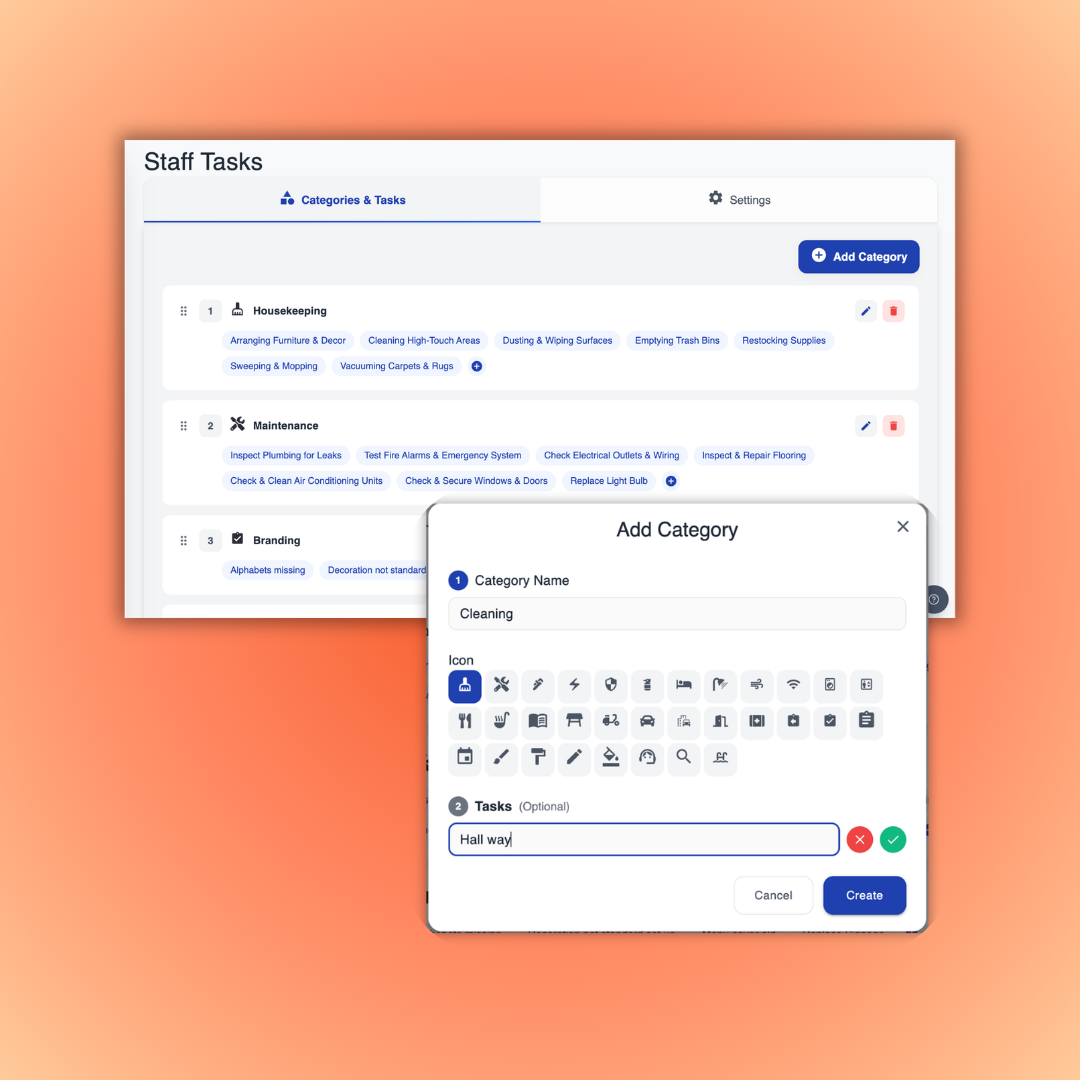
Set up categories that match how your hotel works — housekeeping, engineering, pool care, security rounds. Add any task inside each category. The structure is fully yours, and you can change it anytime.
- Create any category for any department
- Define the tasks your team does every day
- Adjust the setup as your hotel grows
Tasks for Every Corner of the Hotel
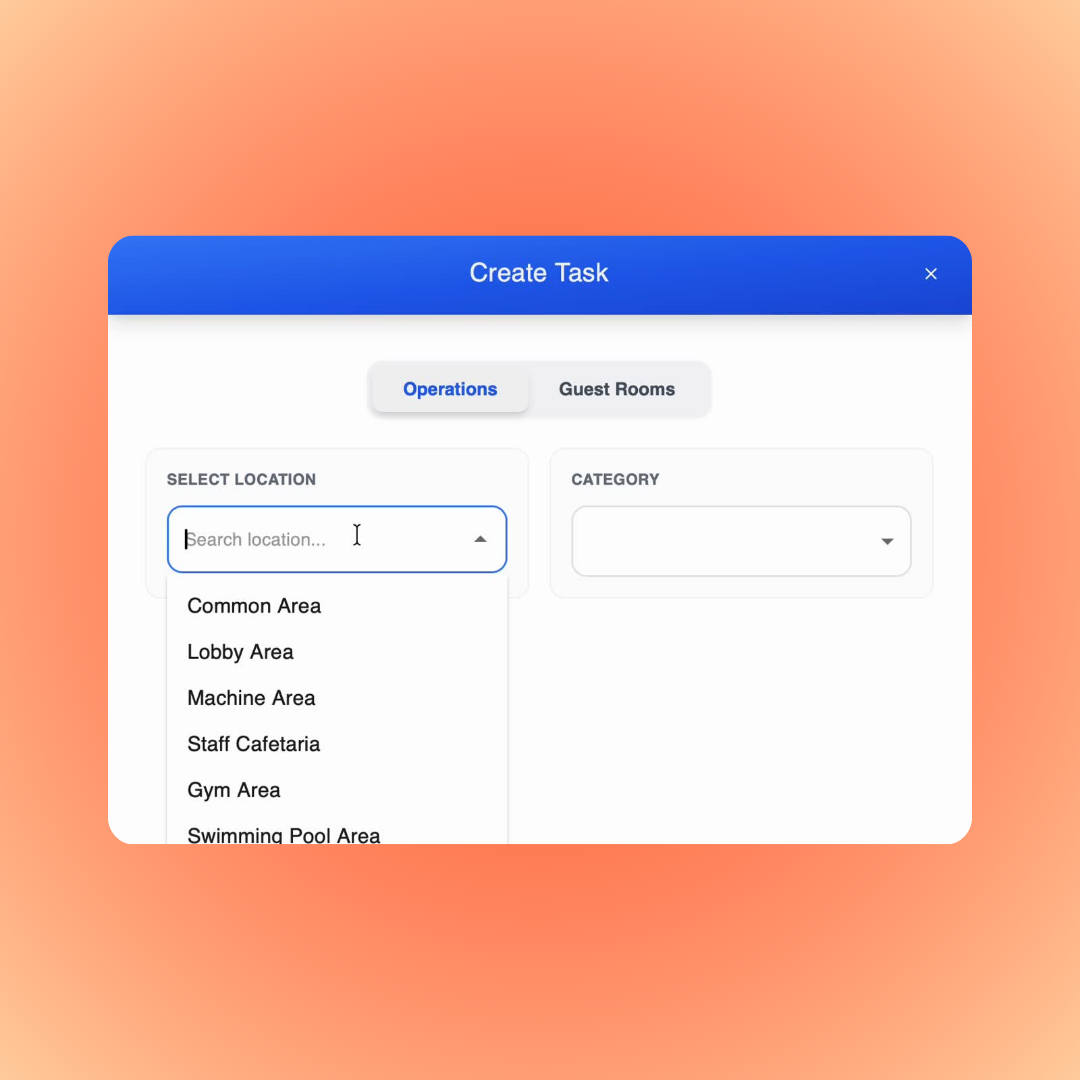
Add locations like the lobby, pool, gym, or parking. Create a task for any of them from the dashboard and assign it to the right person or team — the same way you would for a room.
- Add any location, indoors or outdoors
- Create and assign tasks from the dashboard
- See open tasks for each location at a glance
Spot a Problem, Report It in Seconds
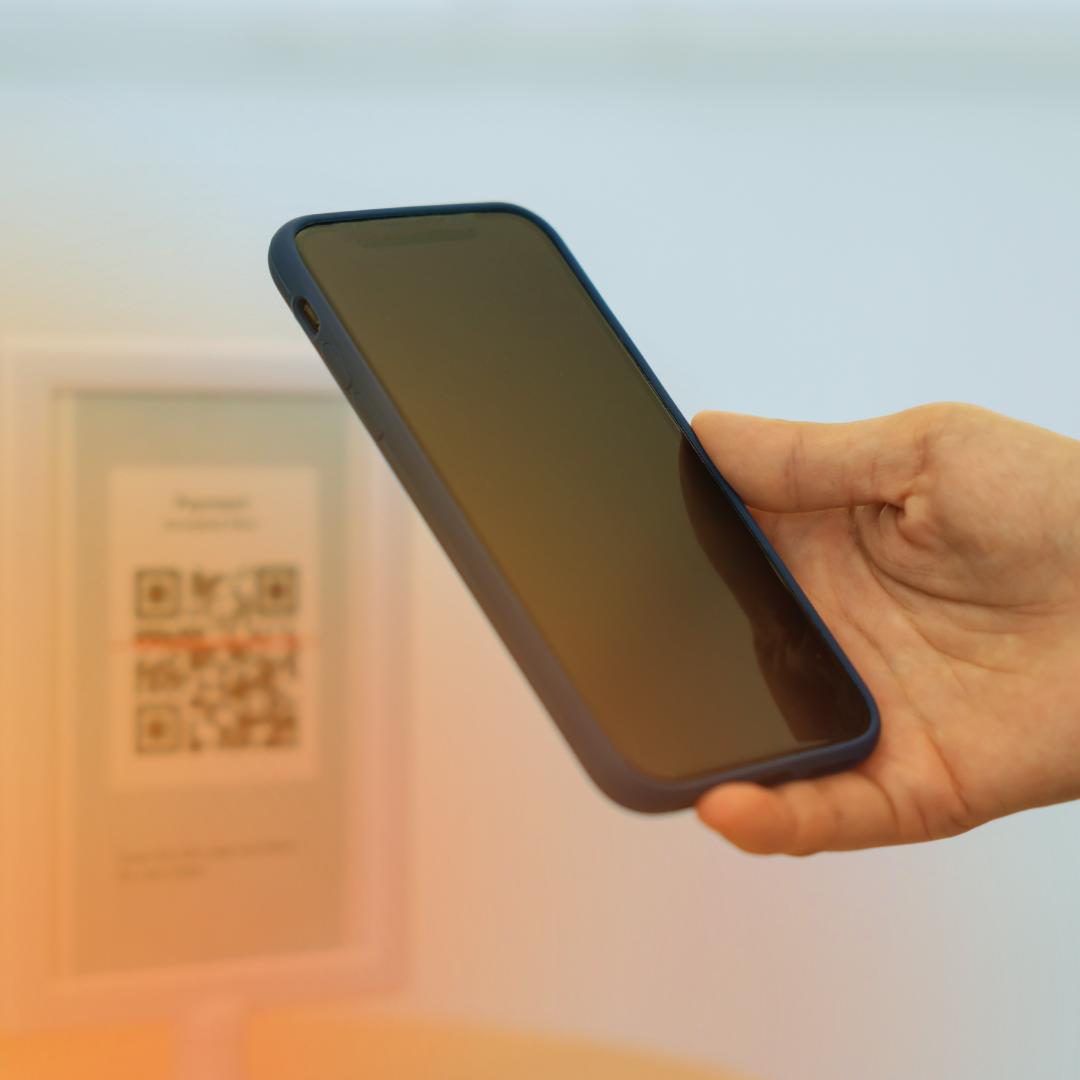
Each location gets its own QR code. A staff member who sees a broken lamp in the lobby scans the code, and the task is created with the location already filled in. Staff can also pick the location by hand in the app or dashboard.
- Print a QR code for every location
- Scan to create a task on the spot
- Or select the location manually in the app or dashboard
Staff Work from One Ticket Queue
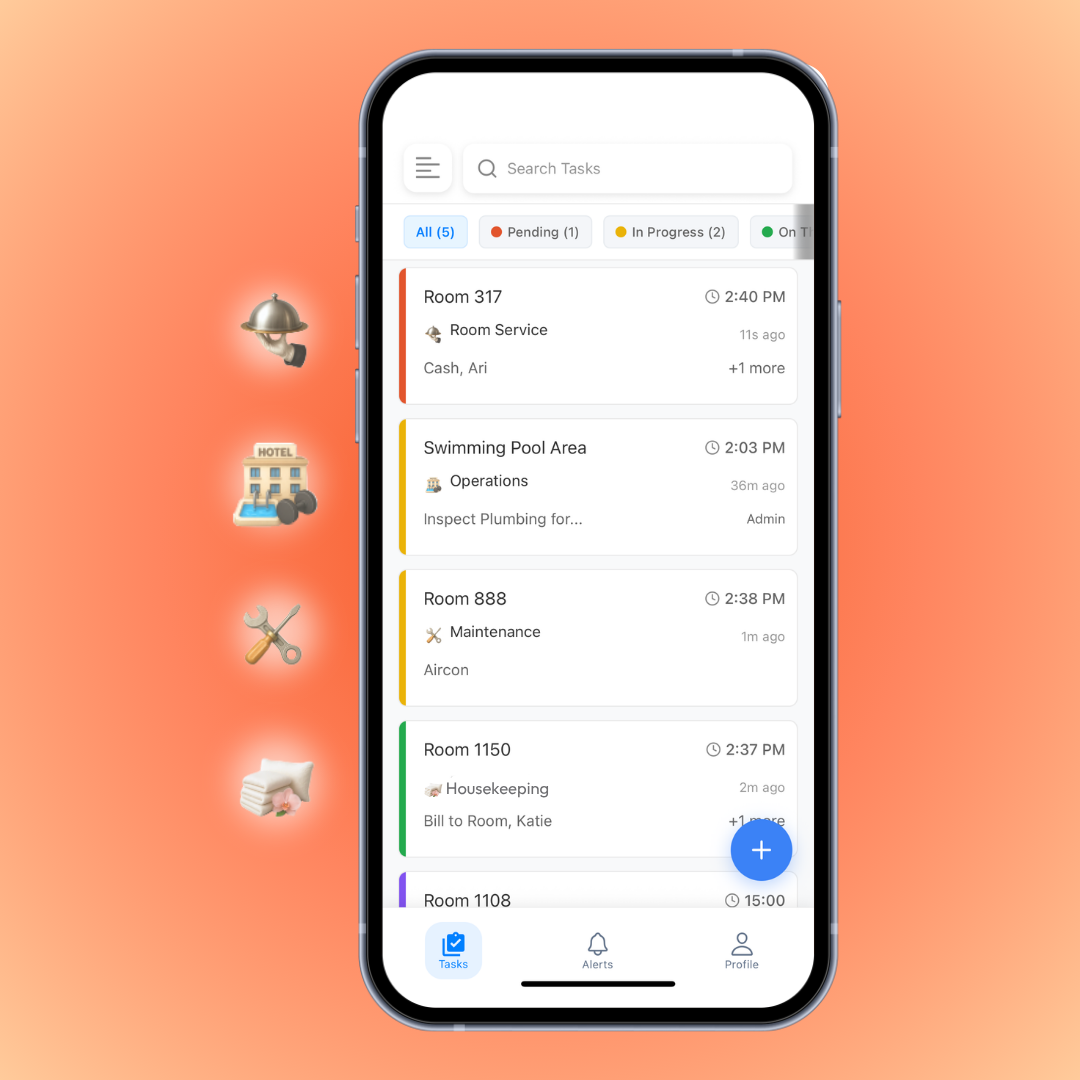
Every task lands in the staff app as a ticket — right next to guest requests. Staff claim a task, do the work, and mark it done. Managers see the status of everything in real time.
- Live task queue in the staff app on iOS and Android
- Claim, update, and complete with one tap
- Full history for every task and location
Every Shift Knows What to Do
When every task has an owner and a status, work stops slipping through the cracks between shifts and departments.
One Task Board for the Whole Hotel
See how innOrder tracks every task — from the lobby to the pool — until it is done.
Schedule demo